



Most consultants do not need more software, especially since there’s plenty of software for consultants on the market. They need more software restraint.
A consulting software stack should not be built around categories. That is how you end up buying tools as if you were packing for a trip you do not understand. CRM? Sure. Project management and invoicing? Obviously. Time tracking? Of course. Reporting? Probably. Automation? Why not. Soon, the stack has more moving parts than the actual business.
I’ve seen too many small consulting businesses slowly turn into tool zoos. One app for leads. One for proposals. One for notes. One for tasks. One for time. One for invoices. One for files. One for client communication. One dashboard to pretend all of this is under control.
The better question has sharper teeth:
What can the business not afford to lose track of?
From what I’ve seen, for a small consulting firm, the answer is usually the same: leads, scope, time, decisions, deliverables, invoices, and margin.
That is the stack.
Not ten tools. Not one tool either, necessarily. The stack is the set of systems that keeps those few things visible and connected.
- A task should know which project it belongs to.
- A project should know what was sold.
- Whether your time worked was billable.
- An invoice should know what work created it.
- A report should tell you something more useful than “you were busy.”
After I’ve seen enough packed calendars with thin margins, one thing becomes obvious: “busy” is not a business model, it is often the costume a weak system wears before payday.
In my experience, the real test of consulting software is not how tidy it looks on a demo screen, but how it performs on a Thursday afternoon when the client sends a vague request, the deadline is close, and your calendar is already full. A good stack makes the next move obvious: approve it, price it, defer it, or say no. A bad stack lets it drift into the work like damp into a wall.
This is why software restraint matters. The goal is not to own less software for the sake of being minimal. (Plus, minimalism can be its own little hobby, and consultants already have enough unpaid hobbies.)
The goal is to use fewer tools with more useful outcomes.
Every tool should do a job that connects to your business. And every system should make it harder for work to become invisible. That is the only stack worth building.
For this article, I tested consulting software hands-on, not just from their marketing pages. I got inside the products, created sample consulting work, set up clients and projects, logged time, checked reporting, and looked at how cleanly each tool moved from work done to money owed. I use some of these tools myself.
What I’ve seen repeatedly is that different tools earn their place depending on the consulting work you do.
For example, a solo SEO consultant doing audits and monthly retainers does not need the same setup as an operations consultant who runs workshops, collects action items, and chases input from three departments. A pricing consultant may care more about proposals, pricing scenarios, financial modeling, and decision trails. A fractional marketing lead may need tighter project delivery, client communication, and reporting. Same broad category. Different mess.
I’m going to treat the rest of this article like a software buffet. Not the kind where you pile shrimp, cake, and soup on the same plate, but the useful kind that covers the categories that most often matter for small consulting firms:
- All-in-one systems: Paymo, Bonsai, Clickup, Kantata
- Time tracking tools: Toggl Track, Harvest, Timecamp
- Project management tools: Asana, Trello, Monday
- CRMs: Hubspot, Zoho, Salesforce
- Proposal software & contracts: Proposify, PandaDoc
- Invoicing and accounting: Xero, FreshBooks, QuickBooks
The point is not to use all of them. The point is not to sample everything. The point is to stop choosing tools by category and start choosing them by business impact. Do not pick one tool from each category just to make the stack look complete. Pick what your consulting work actually needs. Maybe time tracking is enough because your work is simple, your clients are few, and what you need most is a clear view of billable effort. Fine. That is a stack.
Maybe time-tracking plus proposal software is enough, since your delivery lives comfortably in a shared document, but your estimates, scope, and approvals need tighter management. Also fine. Or maybe an all-in-one tool makes the most sense because you want leads, projects, time, invoices, and reporting closer together. For many small consulting firms, that can be cleaner than stitching five tools together and calling the mess “integrated.”
The right stack is not the biggest stack, but the smallest set of tools that keeps the business running smoothly. That is why all-in-one systems are the natural place to start. They are not always the right answer, but they solve the most common small consulting problem: the work is scattered before the consultant even notices.
All-in-One Software for Consultants
All-in-one software attacks the most boring, expensive problem first: scattered work.
Clients over here, tasks over there, time in another tab, invoices rebuilt from a spreadsheet or from memory at the end of the month…
That is where small consulting firms lose money without noticing.
A dedicated CRM may be stronger for sales, a proposal tool may look sharper, an accounting tool may handle finance better, but for many consultants, “good enough and connected” beats “excellent and scattered.”
1. Paymo
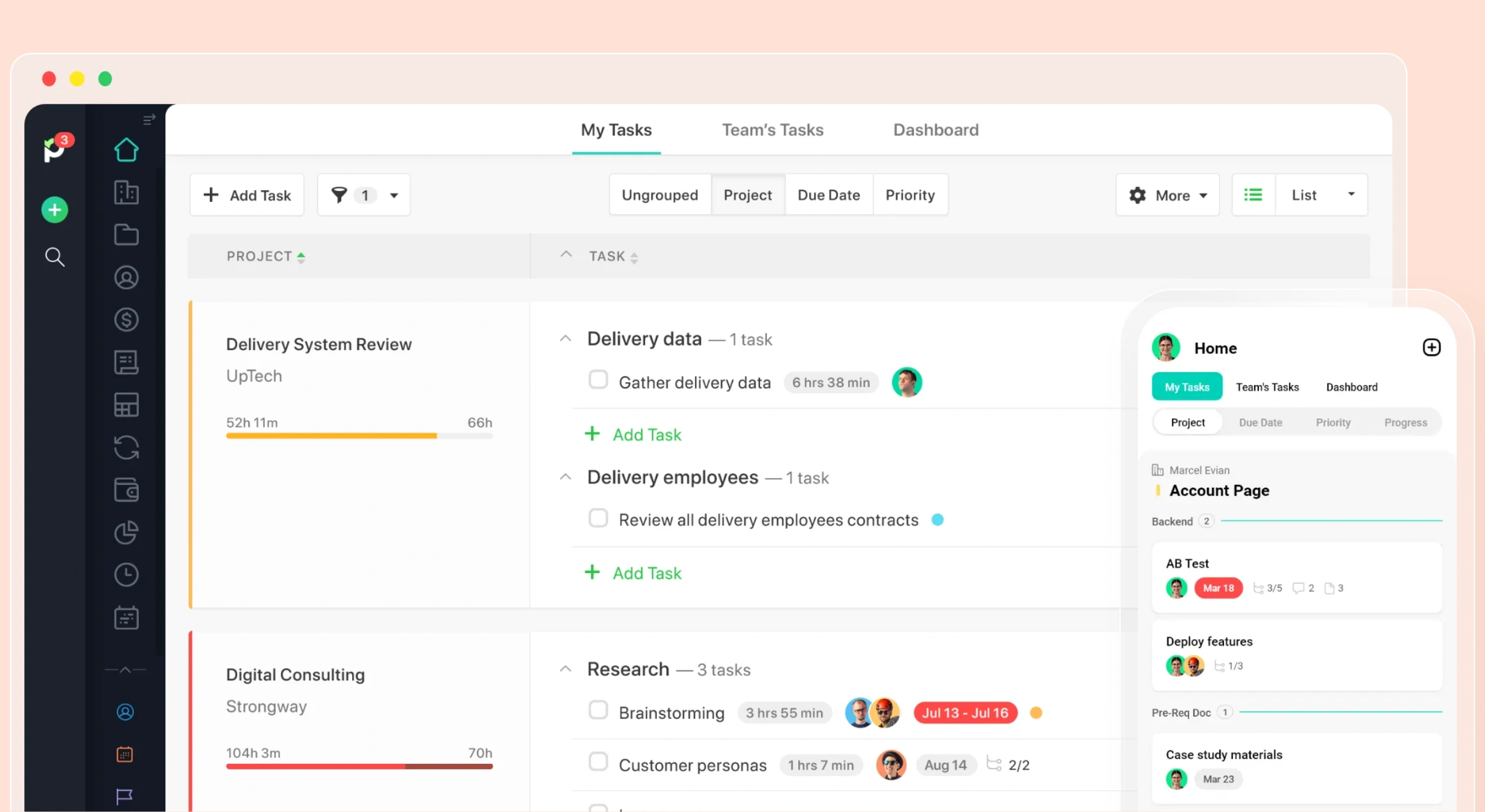
I’ve used Paymo for consulting work for years now, which makes it easier to judge than a tool I only clicked through for an afternoon. It has one clear advantage for small consulting firms: it keeps project management, time tracking, invoicing, and profitability close together without making the whole setup feel like enterprise software wearing a tiny hat. As simple as that.
Paymo’s advantage is that the usual consulting loop feels within reach: set up the client, create the project, break the work into tasks, track time, send the invoice, and check profitability. That is exactly what independent consultants and small consulting firms need. Not because they are less ambitious, but because they have less tolerance for admin theatre. Compare that with ClickUp (which I’ll cover later), which might be more flexible, but that flexibility comes with more setup, more choices, and more places to fiddle. It can work well if you want to design your own system from the ground up. In my experience, that is the problem for many consultants since they do not need a blank canvas—they need a working bench.
For consultants, the question is not “which tool lets me build the most?” It is “which tool gets me from client work to billed work with the least nonsense in between?” On that test, Paymo feels much closer to how independent consultants and small consulting firms prefer to run their businesses.
I’ve worked with Paymo for years, so my opinion comes from real use, not a polite afternoon of clicking around. It has never failed me on the core jobs I need it for. The strongest part is the path from time tracking to invoicing. That is where Paymo feels most useful for consultants. For example, you can set up the client, manage the project, break work into tasks, track billable and non-billable time, see where the hours went, and automatically turn that work into an invoice without having to rebuild the whole story at the end of the month. If you have a team, that’s even better since you have everything at a bird’s eye view:

The weaker point is the CRM. Paymo has client management, but it is not trying to be HubSpot or Salesforce. If your consulting work depends on a heavy sales pipeline, lead scoring, long nurturing sequences, or detailed relationship tracking, you may outgrow that part. For a small consulting firm that mainly needs to keep client work, time, and billing connected, it is fine. For a consultant with a sales machine, it will feel light.
I also want to be clear about the other weak points, because pretending a tool has no weak points is how software reviews turn into scented candles.
Paymo is not the most customizable tool in this list. ClickUp gives you more ways to shape views, fields, workflows, and internal structures. Some competitors go harder on automation, while others are moving faster on AI features. Some have more features packed into every corner, like someone emptied a toolbox into the interface and called it strategy.
Paymo’s strength is not that it does everything. Its strength is that the main consulting workflow stays close together and runs smoothly: project, task, time, invoice, payment, report.
Less fiddling. Fewer loose ends. Fewer Friday afternoons spent reconstructing the month from browser tabs and guilt.
For independent consultants and small consulting firms, that is often the better trade-off.
2. Bonsai
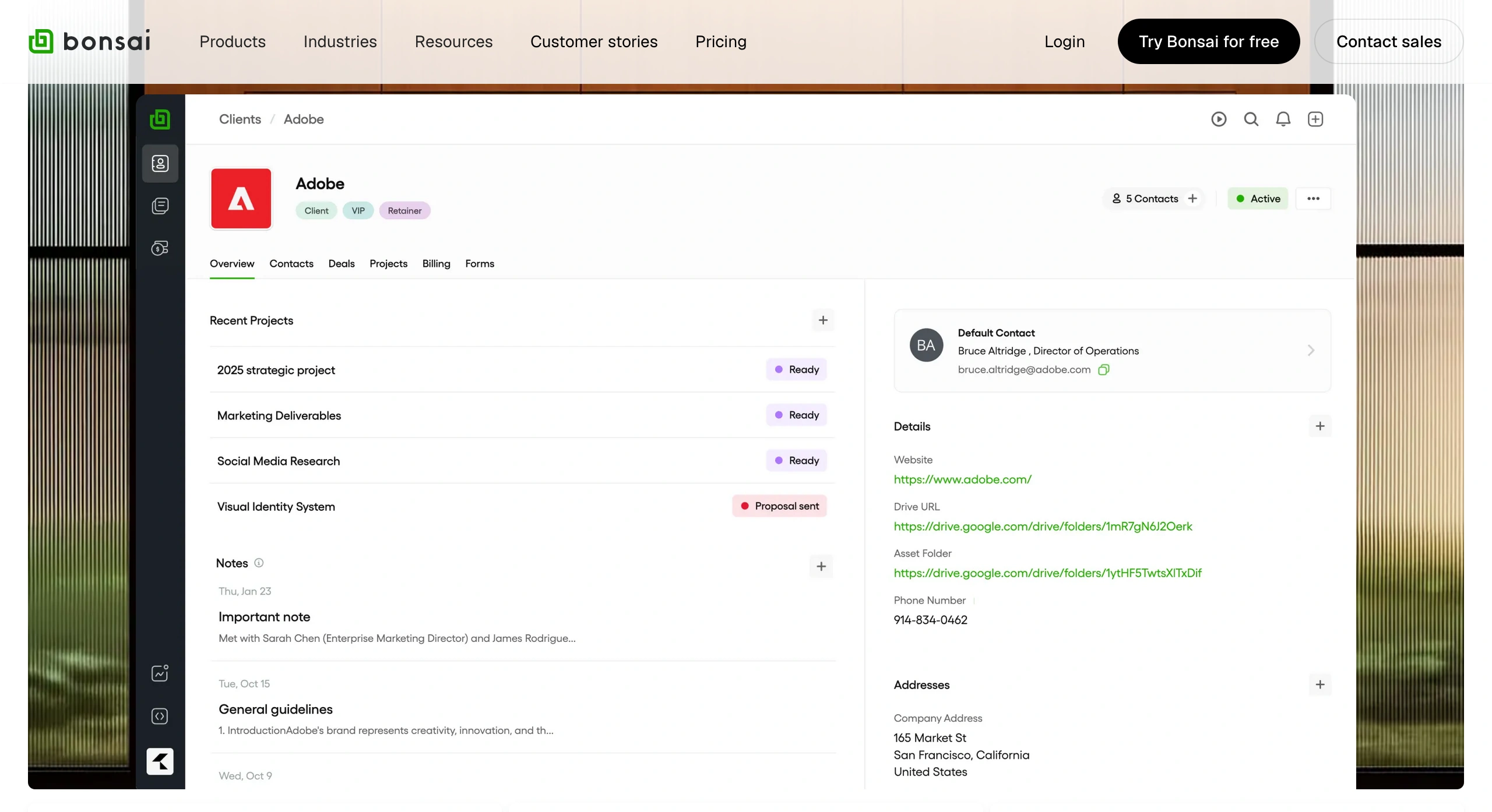
Bonsai is the strongest consulting software before and around delivery: proposals, contracts, retainers, client intake, invoices, payments, and the paperwork that turns a sales conversation into an actual engagement. After testing it comprehensively, I’d say it is especially useful for consultants who want the client side of the business to feel cleaner: send the proposal, get the contract signed, collect the intake details, bill the client, and stop rebuilding admin from scratch every time.
Its weaker side is deep delivery management. While Paymo feels better for consultants who need more focus on time tracking, invoicing, and project management, Bonsai is better when the pain sits earlier in the client relationship: proposals, contracts, templates, CRM, and automation. It is stronger for consultants who want to formalize the engagement, collect client details, manage the paperwork, and move the client from “sounds good” to signed and billable without rebuilding the same admin pile every time.
One Bonsai feature that deserves its own mention for consultants is the client portal and intake forms. The intake forms are the part I’d call out separately. I can see the practical use: they help turn client onboarding from a loose email chain into a repeatable step. For example, you can collect goals, logins, brand files, stakeholder names, deadline constraints, budget context, approval steps, and the awkward “who actually signs off on this?” information before the project starts wobbling.
In my experience, in consulting, missing inputs rarely stay small.
One missing login delays the audit. One unnamed stakeholder appears after the proposal is signed. One unclear approval process turns a two-day review into three people forwarding PDFs like a small local government. Paymo has a client portal, but it does not include intake forms the way Bonsai does. So if structured client intake is a big part of your consulting workflow, Bonsai has the stronger case.
3. ClickUp
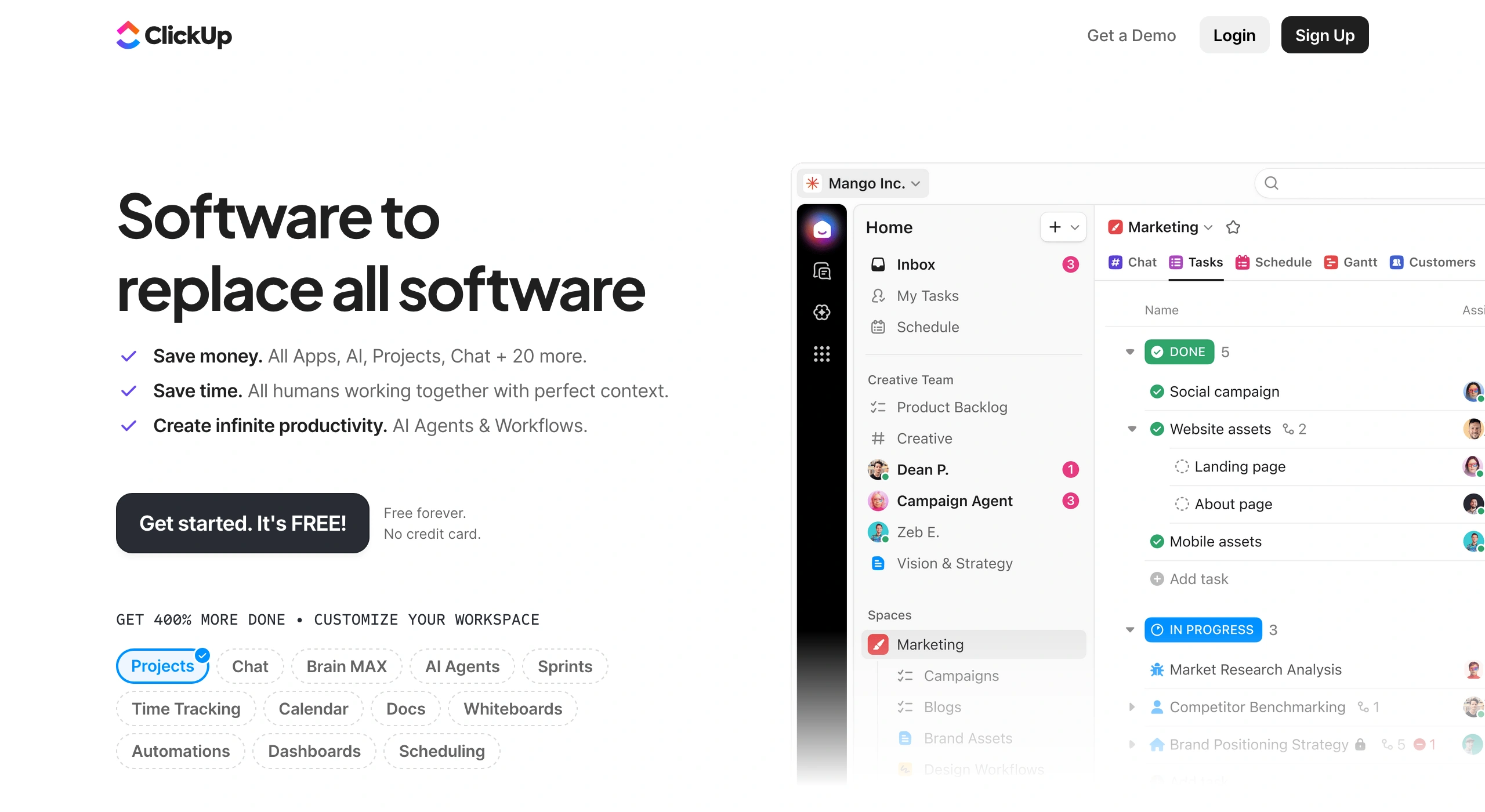
ClickUp is best for consultants who want a lot of features without spending a lot of money and do not mind spending time shaping the tool around the way they work. While I was logged in, I spent more time setting up the system than actually working in it.
That tells you the whole trade-off.
ClickUp gives you Spaces, Folders, Lists, custom fields, statuses, views, dashboards, automations, docs, and templates. For consultants who enjoy building their own operating system, that flexibility can be useful.
But it also means the tool can become a project before it manages your projects.
Paymo felt closer to the core consulting loop: project, task, time, invoice, report. Bonsai felt cleaner around proposals, contracts, intake, payments, and client paperwork. ClickUp felt like a workshop full of tools. Useful tools, but too many tools, if you are not careful. Just remember: a bigger toolbox is useful only if you are not spending the whole morning arranging the screwdrivers.
ClickUp sits in roughly the same price band as Paymo and Bonsai, but gives you much more to work with. That is ClickUp’s strongest argument. For the price, you get a serious amount of product. If you are the kind of consultant who likes shaping your own system instead of accepting a fixed workflow, ClickUp gives you more room than Paymo or Bonsai. More views. More structure. More ways to adapt the workspace to different clients and project types. For the diligent and patient consultant, this is not clutter.
4. Kantata
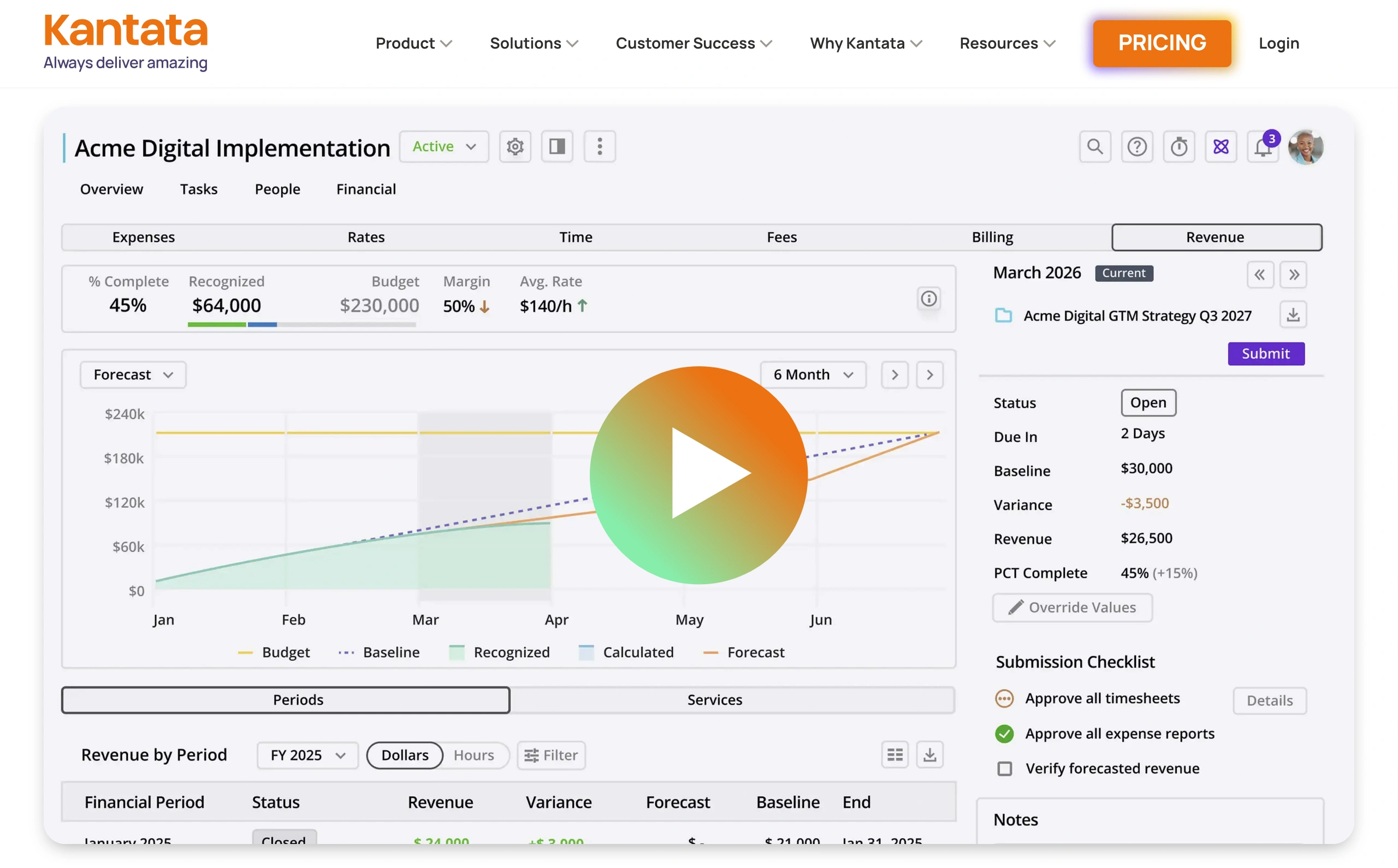
Kantata is the all-in-one tool I’d put in a different weight class from Paymo, Bonsai, and ClickUp. It is less about keeping a lean consulting stack tight and more about managing a larger delivery operation: people, capacity, utilization, project financials, staffing plans, and repeatable workflows.
When I tested it hands-on, that difference showed up quickly. Kantata does not feel like a tool for an independent consultant trying to keep work, time, and invoices connected. It feels built for a consulting operation with bigger resource questions: who is available, who has the right skills, which project is eating capacity, and who can realistically take on the next engagement.
Kantata is most relevant for firms that have outgrown simple project tracking.
If you have several consultants, overlapping projects, different skill sets, and a real capacity problem, it starts to make sense.
You are no longer asking, “What tasks are due this week?” but rather, “Can Ana take the next workshop, or does that push two retainers and quietly burn the margin?”
The downside is price transparency. Kantata does not show clear pricing up front, which makes it harder to compare with tools like Paymo, Bonsai, or ClickUp. You have to request a quote, and that usually means pricing depends on company size, needs, setup, and the sales process.
On average, Kantata costs $45 per user per month. Even for medium consulting firms, this is a significant drawback. That does not make Kantata a bad choice. It just means the value has to come from serious resource management needs: staffing, utilization, forecasting, project financials, and capacity planning. If you only need project tracking, time tracking, and invoicing, it is probably too much of a tool for the job.
Time tracking
In my experience, time tracking for consultants is not only about hourly billing. It helps with three less-obvious jobs: pricing future work, spotting scope creep early, and seeing which clients quietly eat up the calendar. Even fixed-fee consultants need it.
For this section, I tested a wider range of time-tracking tools, but I’m only covering the ones that felt most relevant to consultants who need deeper time tracking, not just a cute little timer in the corner. This means the tools here are stronger at connecting to projects, clients, budgets, reports, billing, and team visibility.
Paymo is worth mentioning here again because it is a bit of a special case. I covered it under all-in-one tools, but Paymo did not start as a bloated “we do everything” platform. It evolved from a time-tracking tool into a more comprehensive consulting work system, and you can still feel that in the product. Time tracking is not a feature sitting politely in the corner. It is part of the spine. You get more advanced options like automated time tracking and active timers, which show who is tracking time, on which task, and for how long. For a small consulting team, that gives you useful visibility into where the work is going without turning time tracking into screenshot surveillance or awkward “just checking in” theatre. You can download Paymo Track for free and test it out yourself.

5. Toggl Track
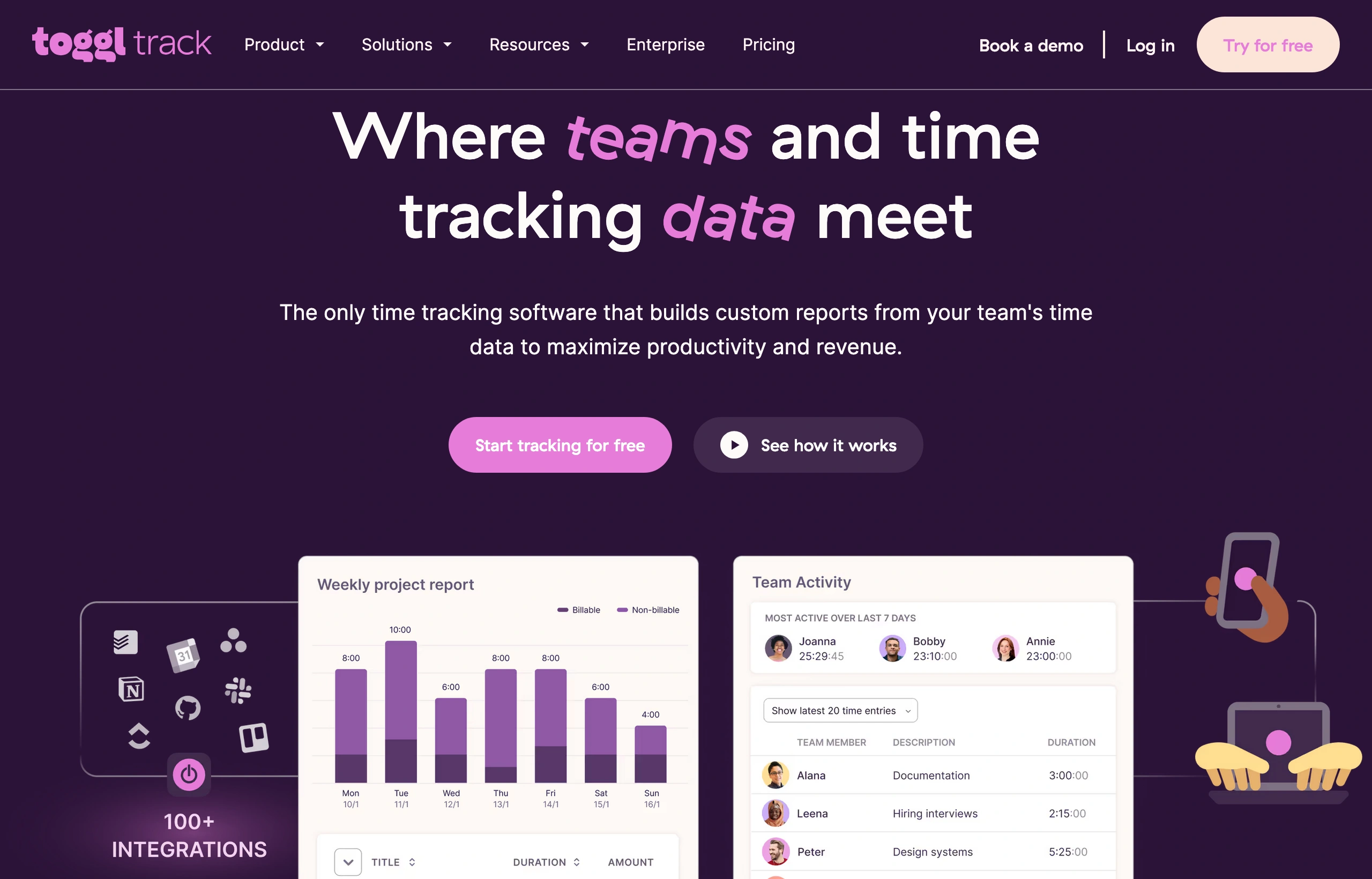
Toggl Track is best for consultants who want time tracking to stay simple.
It does not try to become your whole consulting business. No heavy setup. No software furniture.
That is the pitch.
For independent consultants at the beginning, when money is tight, and the stack should stay lean, Toggl’s free plan gives enough room to build the habit without adding another subscription.
The trade-off is obvious: Toggl Track is mostly time tracking. If you need invoicing, project management, and profitability tied together, Paymo makes more sense. That also matches what some users say after using it in practice for longer times and in more complex setups. Reviews often point to usability friction when there are three clients running at once, one retainer, one audit, one workshop series, and time entries that need to land in the right bucket. Which makes sense: Toggl is built to track time first, not to run the whole consulting delivery machine. But if the job is simply to see where your hours go, Toggl Track does that cleanly.
6. Harvest
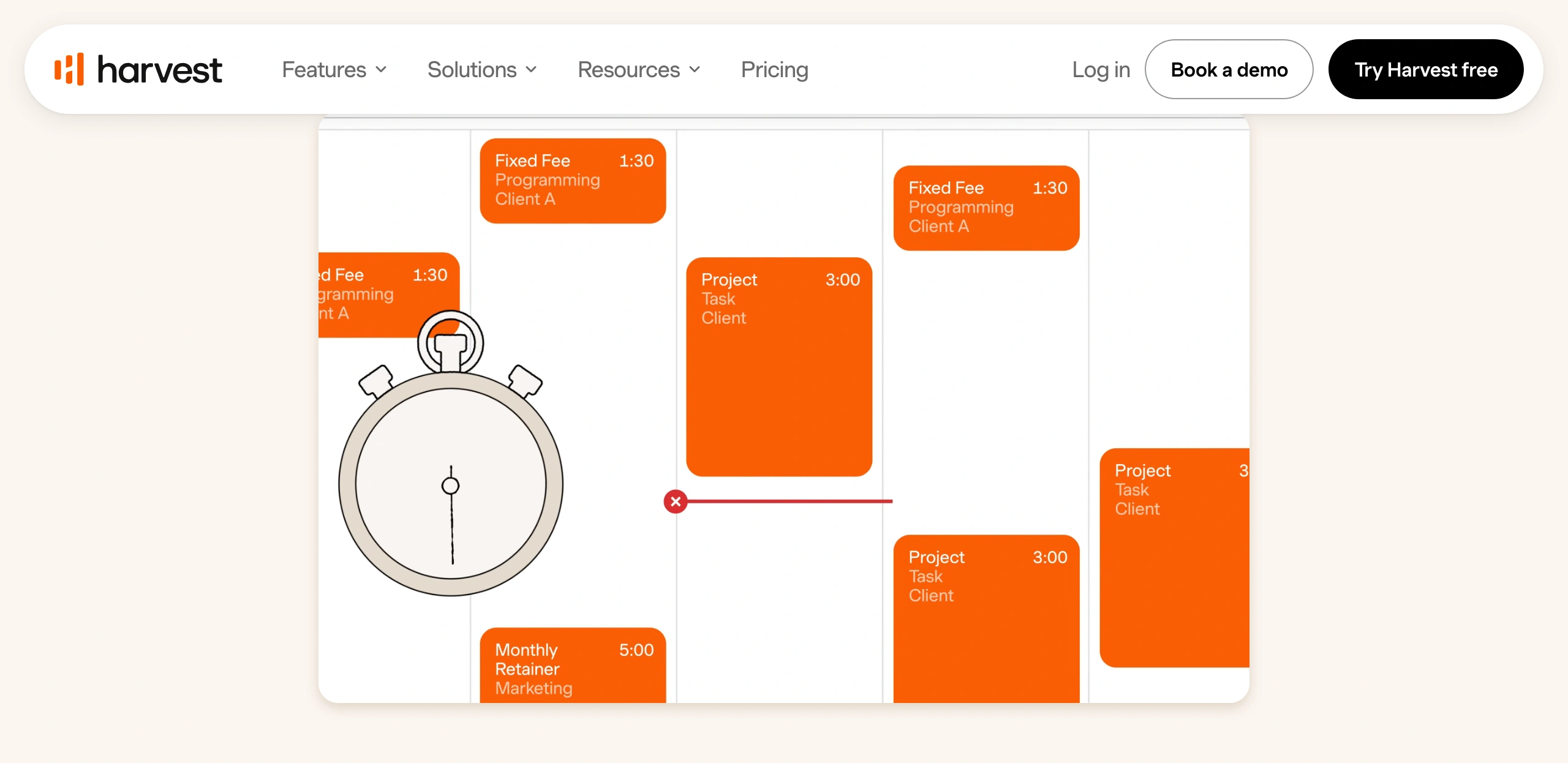
Harvest is a good fit for consultants who want time tracking and invoicing under one roof, without turning the tool into a full project management system.
After spending dozens of hours in it, its main strength became obvious: tracked time moves cleanly into invoices. No spreadsheet surgery at the end of the month.
This means Harvest is useful for consultants who already manage delivery somewhere else. If your projects live in Asana, Trello, Basecamp, or another project management tool, Harvest can sit beside that setup and handle the time-and-billing layer. It is less of a “run the whole consulting business here” tool and more of a solid meter for billable work. Caveat: there’s a usage-based fee in addition to the monthly per-seat plan. Here are some Harvest time-tracking alternatives to consider.
The trade-off is project management. Harvest has basic project features, but after using it in practice for a while, it can start to feel thin if you expect it to manage delivery too.
If you need tasks, deadlines, dependencies, budgets, client communication, and delivery tracking in one place, Harvest isn’t really built for that. Some users complain that project management in Harvest can be frustrating, which is to be expected: it is a time-tracking and invoicing tool first, not a full project management system.
So the consultant version is simple. Choose Harvest if your delivery system already works and you need a reliable time-tracking and invoicing layer on top of it, especially if you already manage projects in Asana (or similar PM software). Asana is strong at organizing tasks and project work, but advanced time tracking and invoicing aren’t really its forte. Harvest can fill that gap without forcing you to move the entire delivery workflow elsewhere.
Do not choose Harvest if you expect it to become the place where your consulting projects actually live. That is asking a time tracker to wear a project manager’s jacket. It will not fit neatly.
7. Timecamp
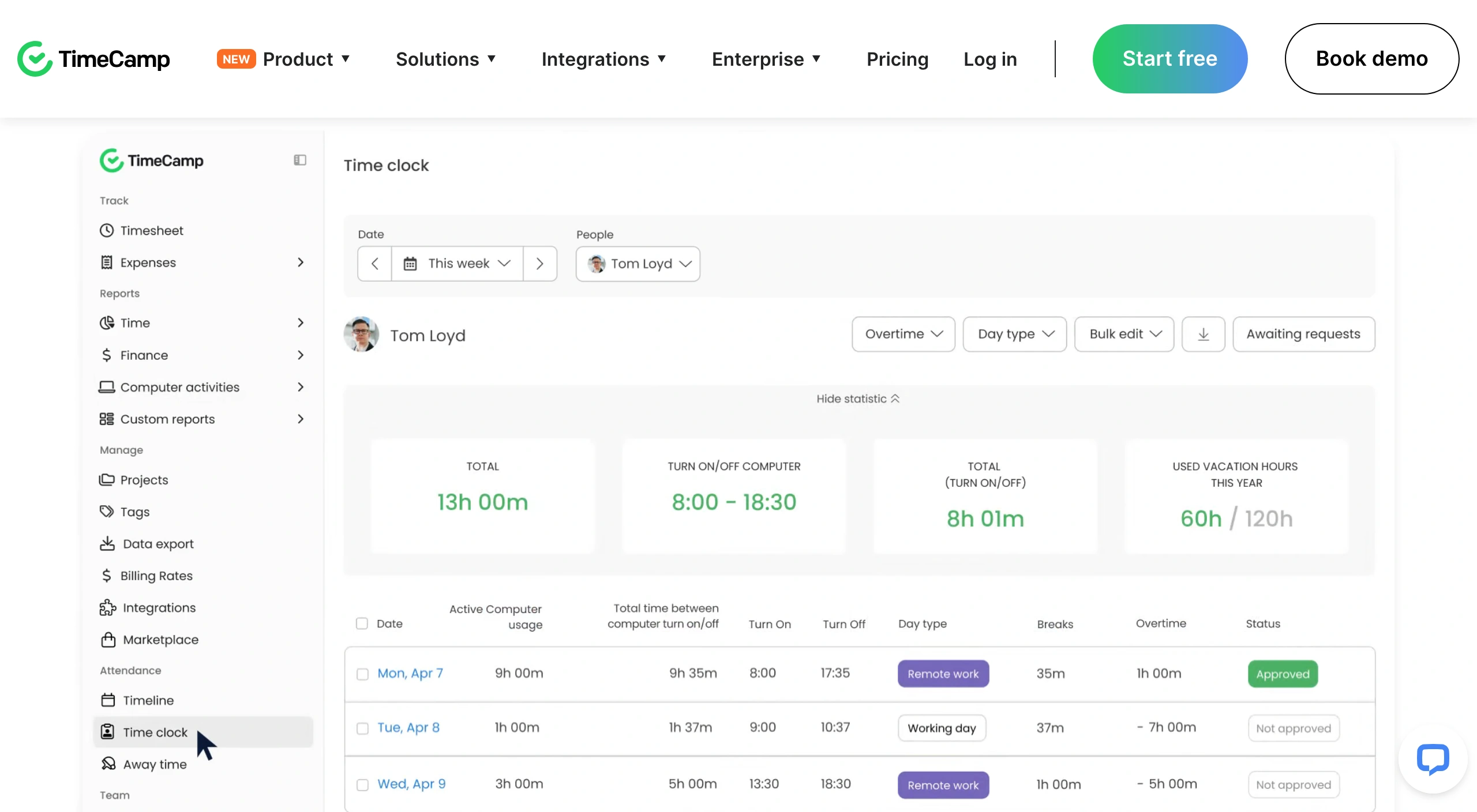
TimeCamp is best for consultants who have tested free time-tracking tools, found them useful, and are ready to move to a more advanced paid setup without spending much. That is its clearest case. If you are early in consulting, still tightening your pricing, and not ready for a higher monthly tool cost, TimeCamp offers a low-cost step-up. The free plan is broad enough to build the habit, while the paid plans remain affordable for consultants who want better tracking without treating software as a second rent payment.
The most special part to watch is the automatic time tracking. TimeCamp is known for it, but it is not available on the free or basic paid tiers. So if automatic tracking is the reason you are considering TimeCamp, check the plan carefully before assuming it’s a bargain. Usually, cheap software that lacks the feature you want isn’t cheap.
For consultants, TimeCamp’s strength is simple time logging, timesheets, reporting, and a fairly easy day-to-day workflow. In my opinion, the weak points are mostly around polish and heavier use. The basic time tracking flow is easy enough, but editing, moving, or cleaning up entries can feel less smooth once there is more data to manage.
That lines up with what some users complain about: bugs, lag when editing or moving time entries, and friction around bulk changes. New users may also need some patience with invoicing setup and client selection.
When I tested TimeCamp, the desktop app felt heavier than the Chrome extension or web version. For time tracking, that is not a small detail. The tool needs to sit close to the work, not become one more thing you postpone until Friday afternoon and then reconstruct from vibes.
Project management software
For consultants, a good project management tool should make a few things harder to ignore: what was agreed, what is due, who owns the next step, what is blocked, what changed, and whether the work is still inside the shape of the project. That is the test I used here. Not which tool has the prettiest Kanban board. Most of them can do that. The question is which one helps a consultant manage delivery without creating a second unpaid project called “maintain the project management system.”
8. Asana
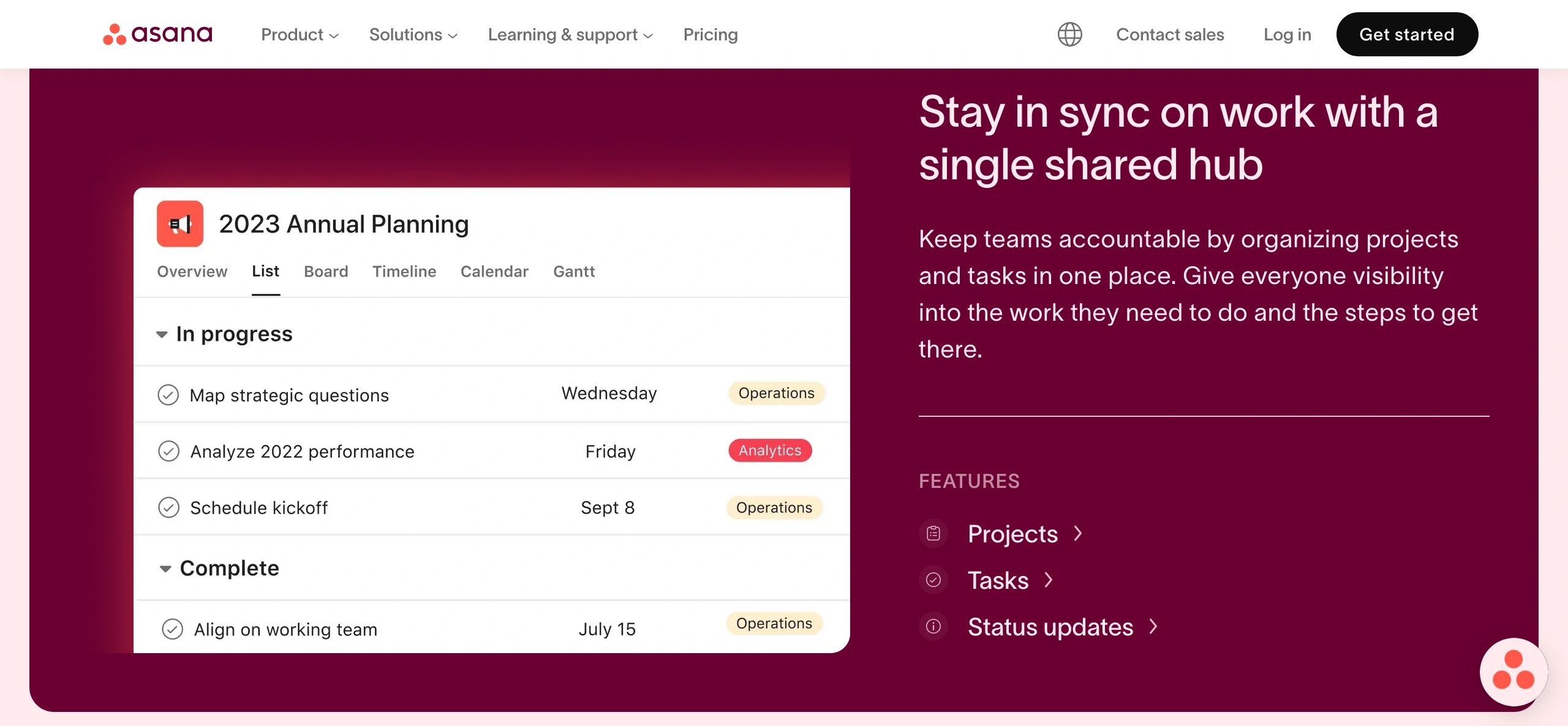
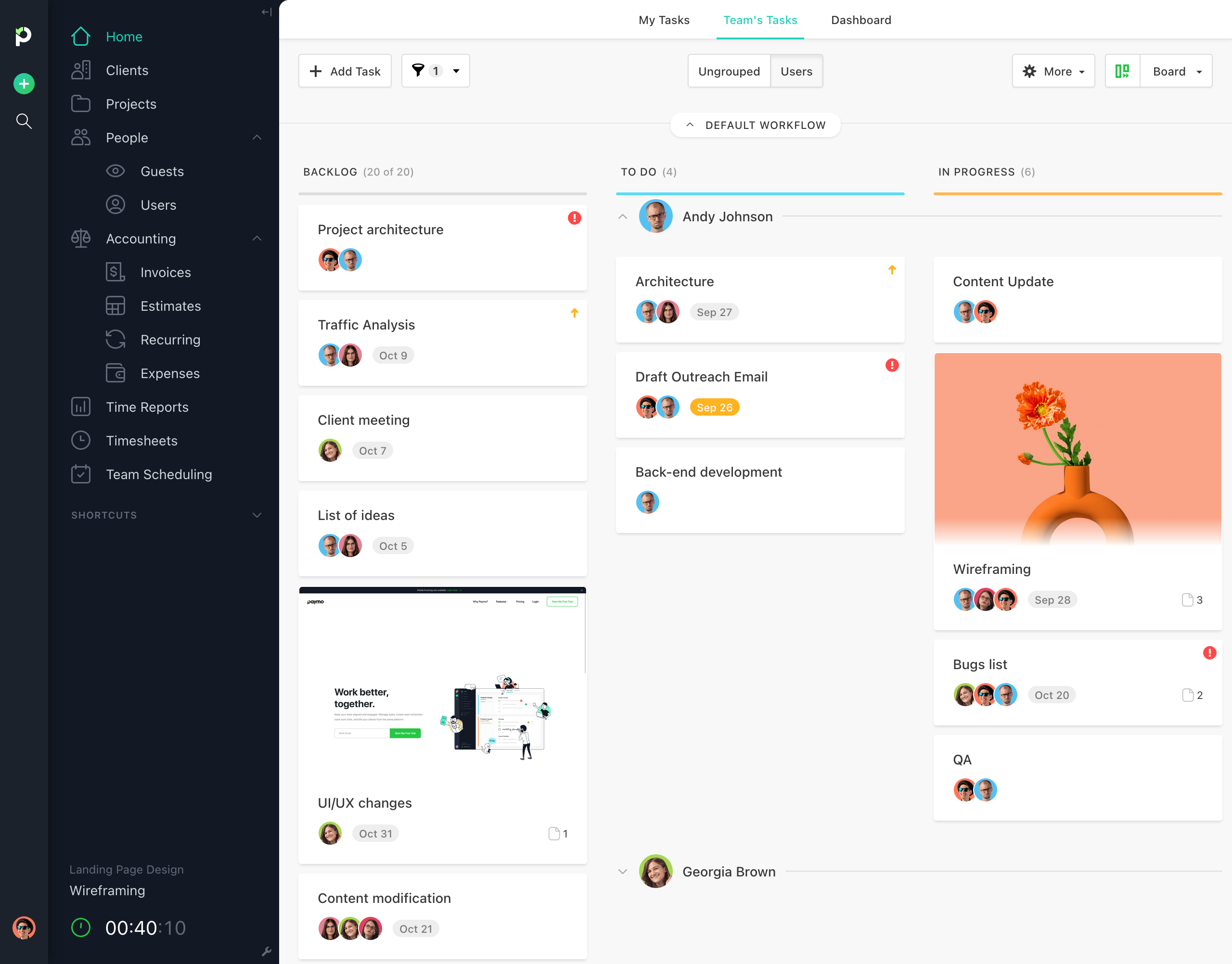
Asana is best for consultants who want project management to look clean, feel simple, and be easy to set up. You can create a project, add tasks, assign owners, set deadlines, and get a small team or client moving without turning onboarding into a separate consulting engagement. When I used it, the main thing I noticed was that the basic task workflow is easy to understand without much explanation. The interface is friendly, colorful, and clear enough for non-technical people to understand.
For consultants, this matters because project management software often fails for a boring reason: people do not use it.
Asana lowers that friction.
No heroic onboarding. No forty-minute tour. No client pretending they “love the system” while secretly emailing everything anyway.
It works well when you need a simple place to show that the client owes feedback by Wednesday, the consultant owns the next draft, and the final deck is due Friday. The downside is the same reason Asana works so well: it protects simplicity, sometimes at the expense of consultant-specific needs. No invoicing. Time tracking is not the point. Task details can feel too tucked away. Some users also complain about limits like one assignee per task, which can be annoying in consulting work where one person drafts the recommendation, another checks the numbers, and the client still needs to approve the slide before everyone pretends this was “almost done.” This obviously isn’t an issue for independent consultants, though.
But this is not a random weakness. After using Asana across many projects, it seems built around one clear idea: keep project management easy enough that people actually use it. Every extra layer works against that. Multiple assignees, heavier recurring tasks, richer task previews, billing, invoicing, time budgets — useful, yes, but also more weight. So the decision is simple: use Asana if you want clean task visibility and low friction. Pair it with Harvest if you need time tracking and invoicing on top of it.
9. Trello
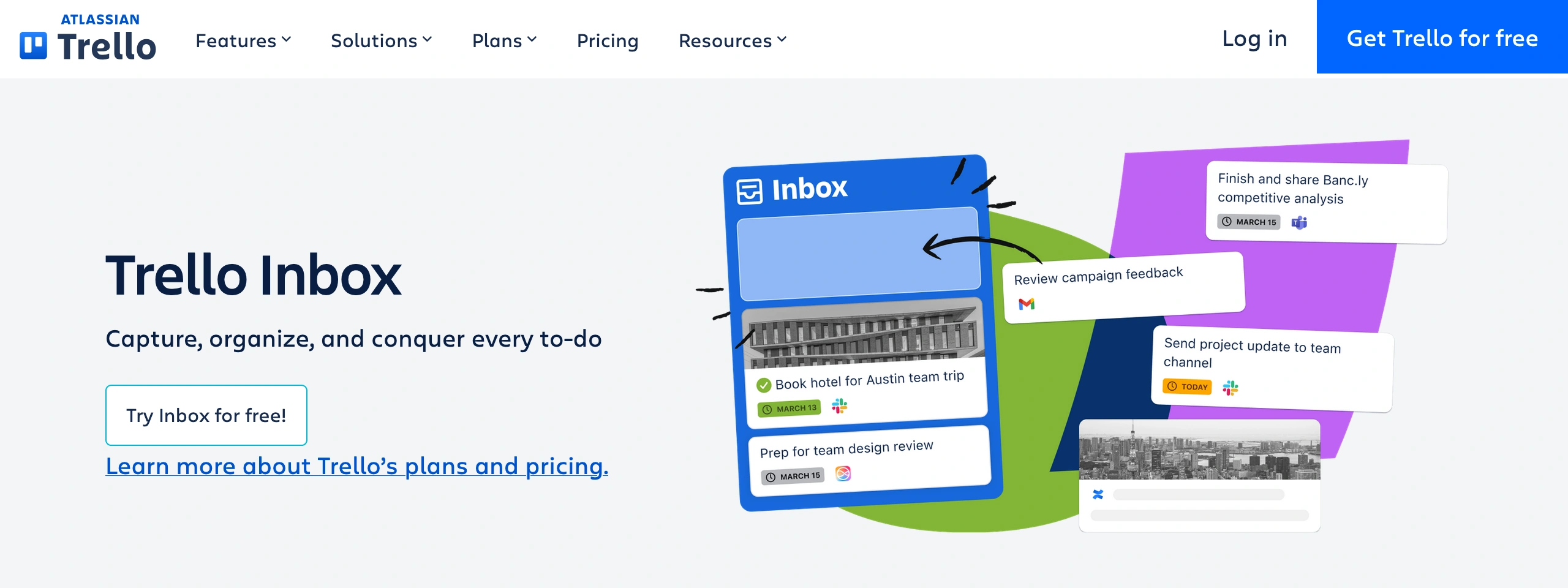
Trello is best for consultants who like to think on a board. That is its whole appeal. You get lists, cards, labels, checklists, and a very visual way to move work from one stage to another. It feels less like project management software and more like a whiteboard with sticky notes that learned how to sync.
For consultants, that works well when the project has a simple flow:
Discovery → research → draft recommendations → client review → approval → delivery.
Or Lead → proposal sent → negotiation → won → onboarded.
You can see the work at a glance, drag cards across the board, and keep the client or team aligned without turning the project into a management textbook with buttons. That simplicity is the point, but it also becomes the limit.
Even though I used it a lot in practice, Trello isn’t where I’d go for more complex consulting delivery.
No native time tracking in the way consultants usually need it. No invoicing. No serious planning without add-ons.
A simple board is lovely until the project starts behaving like a project.
If you have budgets, dependencies, resource planning, and a lot of moving parts, Trello starts to feel like a wall of sticky notes during a windy day.
The other risk is board sprawl. Because Trello is so easy to use, it is also easy to create boards for everything. One for clients. One for content. One for internal ideas. One for “later.” One for “later but scarier.” After a while, the system that was supposed to make work visible becomes another place to hunt for the work. Choose Trello if you’re the diligent type and want a lightweight Kanban-style board for simple consulting workflows.
10. Monday
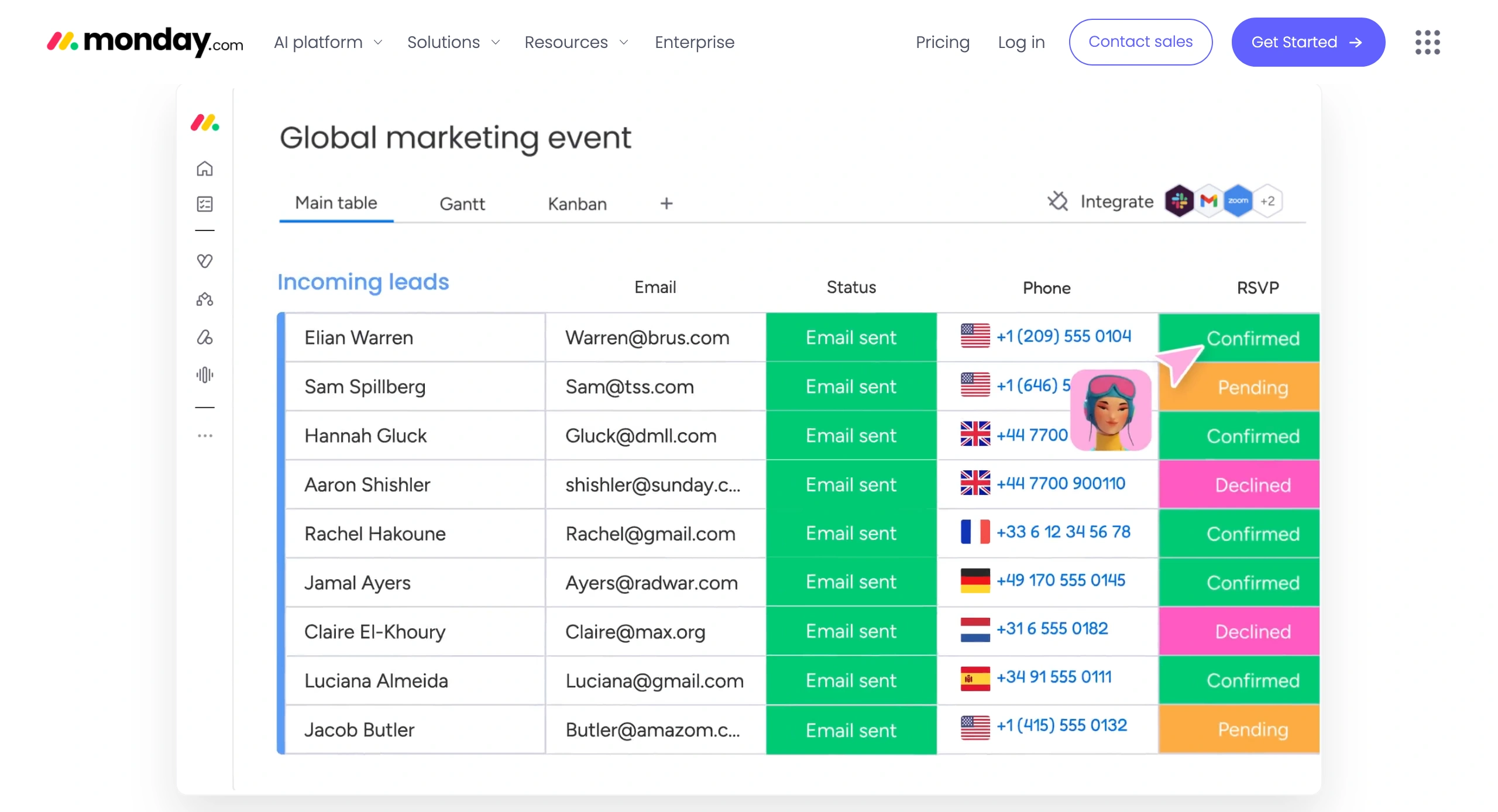
Monday is best for consultants who want project management to feel visual, structured, and easy to scan. Its big appeal is the flat workspace. Instead of burying work in too many layers, Monday puts tasks, owners, statuses, dates, priorities, and updates on a board that feels more like a spreadsheet built for project delivery. For some consultants, that is useful. You can look at a client project and quickly see what is stuck, what is moving, who owns what, and which deadline is starting to sweat.
That makes Monday a good fit for consultants who manage repeatable work: a monthly campaign calendar, a software rollout checklist, a content pipeline, a client onboarding plan, or a delivery workflow where every stage needs an owner and a status. It is especially useful if your clients or collaborators need the project to be readable at a glance.
When I tested it, Monday was not a great fit for the way I think about consulting work. The flat board structure is a good example. It is easy to scan, but it did not feel natural to me. I prefer a clearer link between project work, time, budget, and billing. But this does not make Monday a bad tool. It means it may suit consultants who think differently about work. Some consultants want the project to look like a control panel: task, owner, status, date, priority, and update. For that style of work, Monday can be a better fit than a tool that ties everything tightly to time and billing.
The trade-off is that Monday can invite overbuilding. Statuses, columns, automations, dashboards, templates, views — all useful, until the board starts needing its own maintenance plan. For consultants, this matters because project management should clarify delivery rather than become another client-facing artifact you have to groom every Friday.
So the consultant version is simple:
Choose Monday if you want visual project tracking, status boards, and flexible workflows that clients or small teams can understand quickly. Choose Asana if you want something lighter and cleaner for basic task management. Choose Trello if your work fits a simple Kanban board.
CRMs
The mistake I see here is overbuilding too early: a small consulting firm does not need a sales command center with 40 fields, lead-scoring rituals, and a pipeline dashboard that looks like it was built for a 22-person sales team with matching quarter-zips.
What consultants need is simpler: do not lose the relationship before it becomes work. A good CRM helps you track who you spoke to, what problem they had, what you promised to send, when to follow up, and where the opportunity sits.
Consulting sales rarely move like e-commerce. People do not wake up, add “operations consultant” to the cart, and check out before breakfast.
They hover. They ask for examples. They go quiet.
Then they return three months later with “quick question” in the subject line, a problem that is now on fire, and somehow your emergency.
For consultants, CRM software is useful when it protects the few things that actually create future work: relationships, context, follow-ups, referrals, past conversations, and timing.
11. Hubspot

HubSpot is best for consultants who want a CRM that is easy to start with and does not make sales tracking feel like a punishment. Its big appeal is the free CRM. For a solo consultant or tiny firm moving away from inbox chaos, that can be enough to start: contacts, deals, tasks, notes, email tracking, meeting links, and a simple pipeline. A lead comes in from a referral, you add the contact, track the deal, set the follow-up, book the next call, attach the proposal note, and stop pretending your memory is a business system.
That is where HubSpot fits consultants well. It gives the sales side a bit of shape: referrals, warm leads, discovery calls, proposals, follow-ups, and old contacts who disappear for six months, then come back acting like the fire started yesterday.
When I was using HubSpot, the free CRM felt like a nice match for a small consulting setup. Then I looked at the paid tiers, and suddenly it felt like my future wife had mistaken me for a billionaire.
That is the weak point: the pricing staircase.
HubSpot starts friendly, then the useful sales, automation, and reporting features start living upstairs.
Choose HubSpot if you need a clean CRM for contacts, deals, follow-ups, meeting scheduling, and basic sales discipline. Be careful if you need advanced automation, deep reporting, or a full sales system. That is where HubSpot changes character. It stops being the friendly free CRM that helps you remember who to call, and starts becoming a serious platform with serious bills. For an independent consultant or a small consulting firm, that jump matters.
12. Zoho

Zoho CRM is best for consultants who want a serious CRM without going all the way to Salesforce. It gives you pipelines, deals, follow-ups, automation, reporting, and enough customization to manage a real consulting sales process without needing an enterprise budget.
Its strongest consulting use case is when sales and delivery begin to diverge. A lead becomes a deal, a deal becomes a project, and the project may need to connect with Zoho Projects or Zoho Books. That makes Zoho useful for small consulting firms that want more structure around relationships, proposals, follow-ups, and account history.
The thing I noticed while testing Zoho CRM is that it does not stay neatly inside the CRM box for very long. At first, you are looking at leads, deals, follow-ups, and account history. Fair enough. Then you start seeing how it could connect with Zoho Projects, Zoho Books, Zoho Forms, Zoho Desk, and the rest of the family. You can see the logic. A lead becomes a project. A project becomes an invoice. A client’s question about last month’s deliverable becomes support history instead of another lost email thread. For a small consulting firm, that can be useful.
But it does change the decision a bit.
You are not only choosing a CRM. You are deciding whether you want more of your consulting business to live inside Zoho. For some consultants, that is a neat way to keep sales, delivery, and admin closer together. For others, it may feel like you opened the door for one tool and the whole ecosystem walked in carrying boxes.
13. Salesforce
Salesforce is absolutely used by consultants, but it is rarely the first CRM I’d recommend to an independent consultant or tiny firm unless their sales process is already complex. It makes more sense when consulting work involves multiple contacts per account, long follow-up cycles, account expansion, automation, reporting, and several people managing the same client relationship.
For a solo consultant with ten warm leads and a simple pipeline, Salesforce can feel like buying an airport control tower to manage a driveway.
Some small consulting firms do reach a point where a simple CRM starts bending in weird places. The client has five stakeholders. The first project may lead to three more. Sales calls involve a partner, a former client, procurement, the department head, and a buying cycle that moves like furniture up stairs. Nobody remembers who promised what unless the system does.
That is Salesforce territory.
Not because it is the cleanest choice, but because, once the relationship gets complicated enough, “simple” can become expensive too.
Choose Salesforce only when the relationship work has outgrown your ability to keep it clean with a lighter CRM.
Proposal software, contract, and document management
After testing several proposal and contract tools, I narrowed the list to a few that did more than just dress up the document. Pretty proposals are nice, but pretty confusion is still confusion. Proposal and contract tools matter because they turn the sales conversation into something harder to misremember: scope, fees, timelines, approvals, payment terms, and exclusions. The real job is to give the work edges before delivery starts, so the project does not become a group hallucination with an invoice attached.
14. Proposify
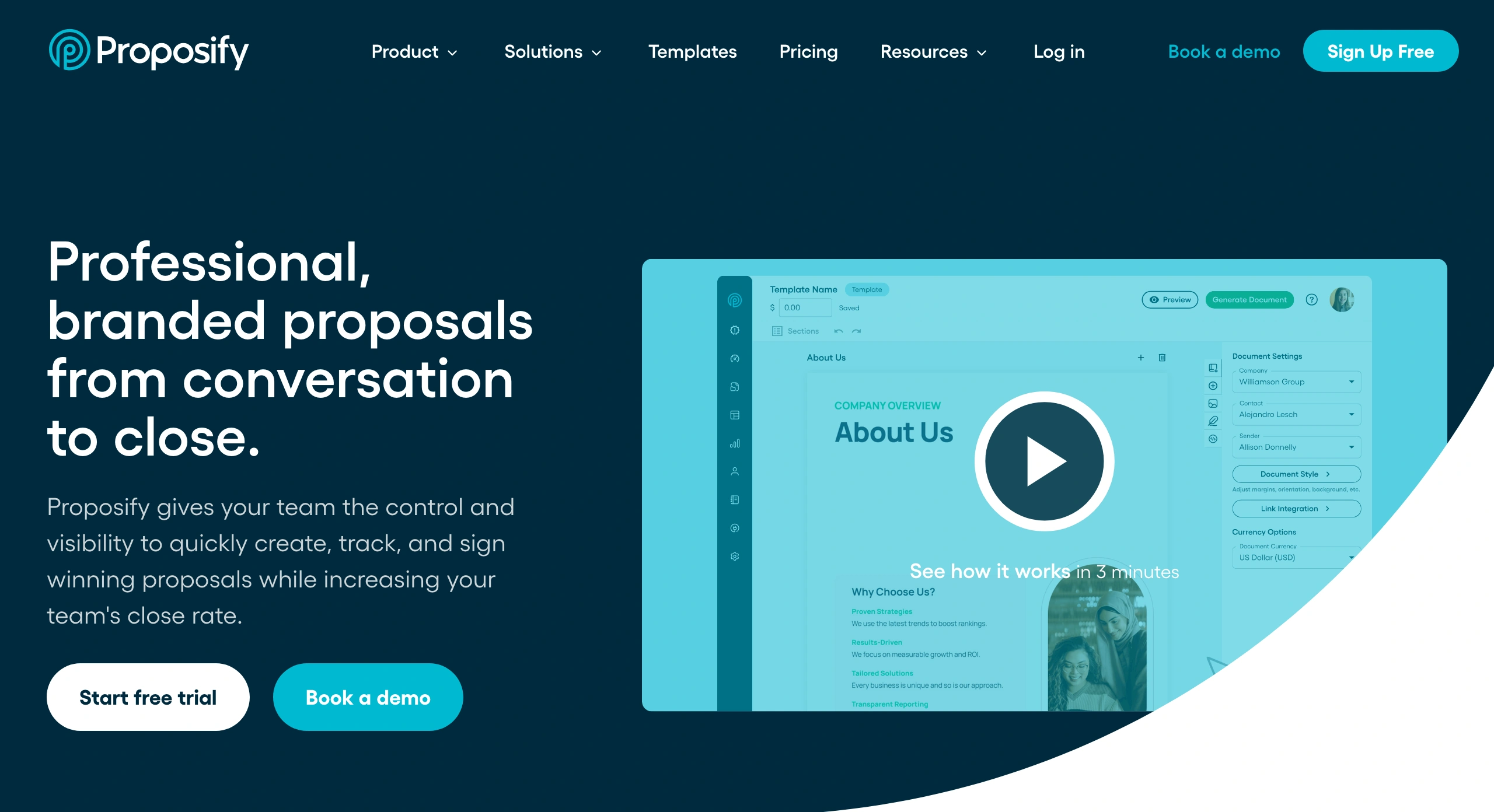
Proposify is best for consultants who send enough proposals that “just copy the last Google Doc” has started to become risky. After testing it, the biggest opportunity I saw was not just better-looking proposals; it was proposal reuse with control. This means you can reuse the parts that should stay consistent — positioning, service descriptions, pricing tables, scope language, terms, e-signature blocks — without turning every new proposal into a copy-paste crime scene where the last client’s name somehow survives on page seven. You get repeatability, but with fewer old mistakes quietly following you into the next deal.
One of the most useful features for independent consultants and small consulting firms is the ability to track how clients interact with the proposal after you send it. That matters because proposal follow-up is usually half business development, half weather forecast. Did they read it? Did procurement open it? Did they stare at the pricing page like it had insulted their family? Proposify gives you more signals than “just checking in.”
The trade-off is that Proposify is just that: proposal software. It will not help you with project delivery, time tracking, invoicing, or profitability reporting. It also may be too much if you only send the occasional proposal. Some users complain that the pricing is less attractive for low-volume proposal use and that editing/customization feels clunky in places.
Choose Proposify if proposals are a real sales bottleneck: you send them often, reuse similar sections, care about approvals and e-signatures, and want to know what happens after the client opens the document. If you send three proposals a year, a template and a signature tool may be enough.
15. PandaDoc
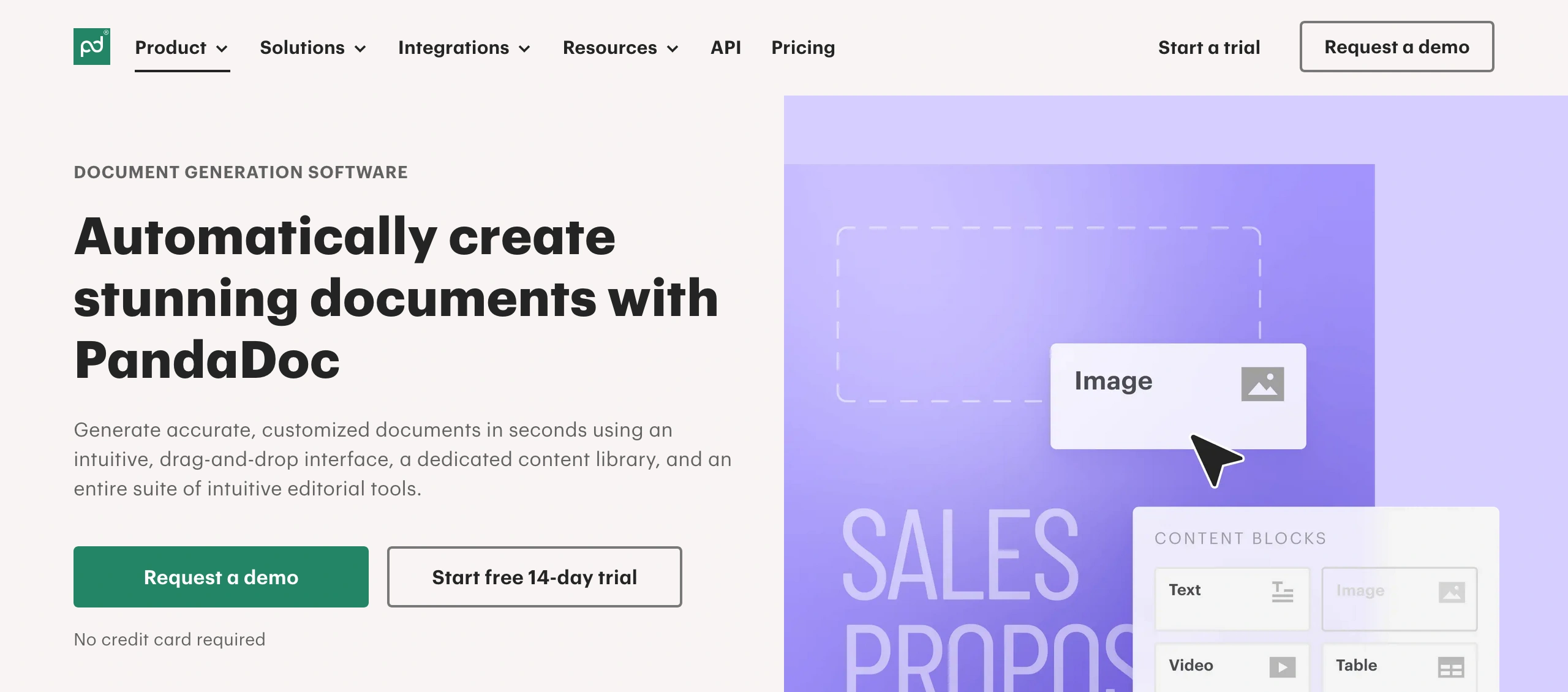
PandaDoc is best for consultants who need more than proposal software. Its stronger angle is the whole document workflow: quotes, proposals, contracts, approvals, e-signatures, and payments. That makes it useful when the proposal is not the end of the paperwork. Maybe the client needs a quote, then a proposal, then a contract, then legal approval, budget approval, then signature, then payment.
Compared with Proposify, PandaDoc feels less like “make proposal selling sharper” and more like “keep the entire document process under control.” Proposify is stronger when the pain is proposal reuse and tracking. PandaDoc is stronger when the pain is getting several business documents being reviewed, approved, signed, and paid without chasing attachments across email.
The trade-off is that PandaDoc can feel heavier if all you need is a good proposal and a signature. For a solo consultant sending simple proposals, it may be too much document machinery. But if your consulting work involves quotes, contracts, approvals, signing orders, payments, and CRM-connected document flow, PandaDoc has the stronger case.
Invoicing and accounting
Invoicing and accounting tools are for the heavier money work: invoices, expenses, taxes, bank reconciliation, financial reports, payment reminders, and the admin your accountant cares about more than your client does. They matter. Getting paid is not a decorative part of consulting.
The catch is that these tools usually start from the accounting side, not the project side. They are good once you already know what should be billed. They are weaker when the invoice needs to come from the work itself: tracked hours, project tasks, retainers, budgets, billable entries, and delivery history. That is where a tool like Paymo has an advantage, because the invoice can come from the project instead of being rebuilt later like a tiny financial crime scene.
For consultants, that distinction matters. If you send a few fixed invoices every month, accounting software may be enough. If your invoices depend on what happened within the project — tracked hours, tasks, retainers, budgets, billable entries, and delivery history — then a more comprehensive project management tool with built-in time tracking and invoicing may be the better fit.
16. Xero

Xero is best for consultants who need proper accounting more than project-based invoicing. After using Xero more thoroughly, I would not frame it as a consulting workflow tool. Its value is clearer in the finance work that happens after delivery: invoices, expenses, bills, bank reconciliation, cash flow, reports, and giving your accountant something cleaner than a folder called “tax stuff.”
For example, if you send three fixed retainer invoices every month, track expenses, and need clean books more than task-level billing, Xero makes sense. The trade-off is that Xero is not where the consulting work lives. It can handle the invoice, but it will not naturally know the task history, scope changes, tracked hours, or project budget unless those come from another tool.
Choose Xero when bookkeeping, tax, reconciliation, and financial visibility are the real pain. Choose a tool like Paymo or Bonsai when the invoice needs to come directly from the work itself.
17. FreshBooks
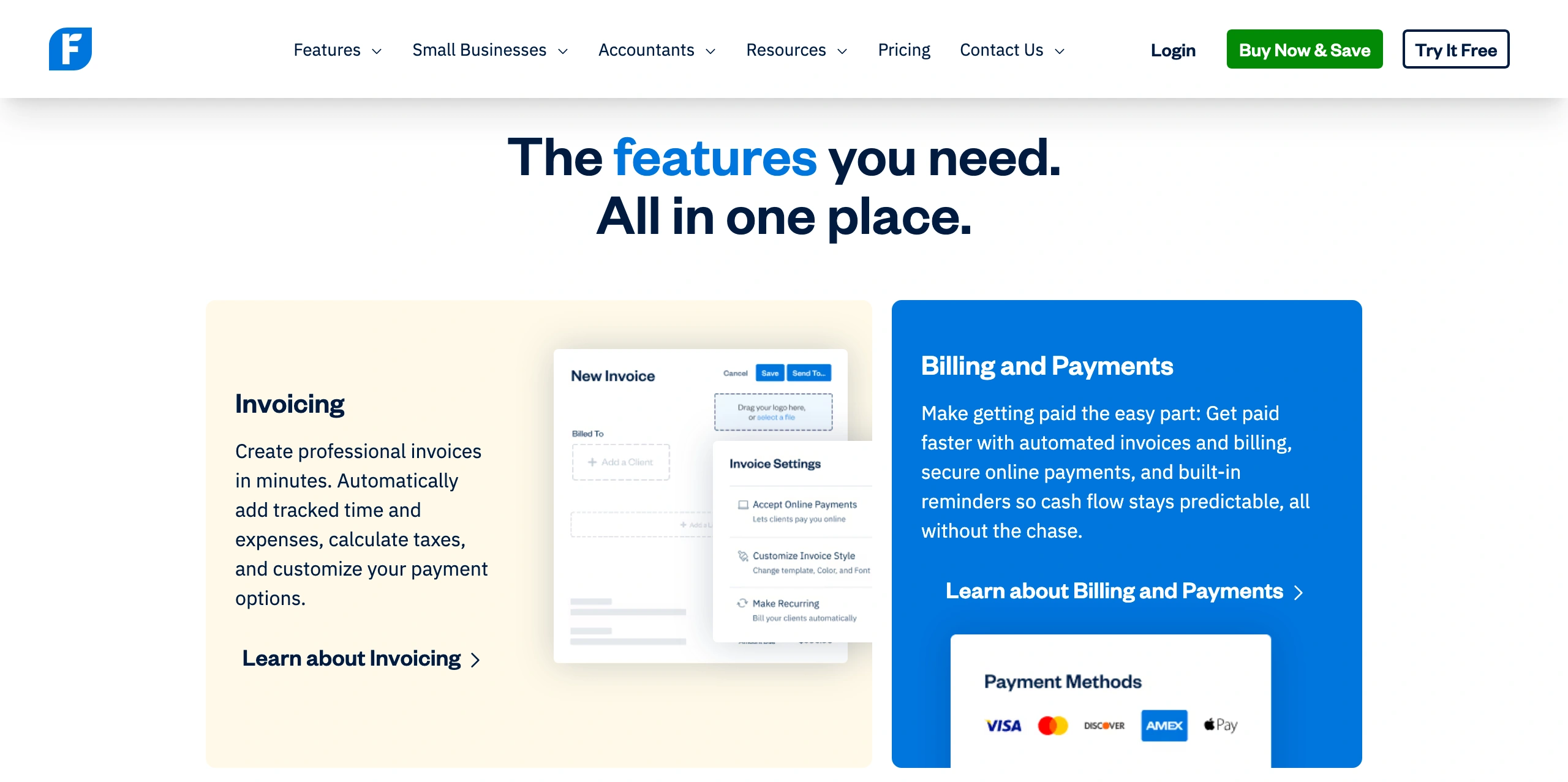
FreshBooks is better than Xero for consultants who want the finance tool to feel less like bookkeeping software and more like a client-billing workspace. In my testing, Xero felt like it was built around the books first. FreshBooks felt like it was built around getting work estimated, billed, paid, and lightly tracked without making the consultant feel like they had accidentally enrolled in accounting school.
For example, if you send estimates, bill retainers, track expenses, take payments, and sometimes turn time entries into invoices, FreshBooks feels more natural than Xero. It still will not replace Paymo if you want tasks, budgets, time, invoices, and profitability tied tightly together. But compared with Xero, FreshBooks sits closer to the daily client-money loop. Xero is stronger when the accountant needs the cleanest books; FreshBooks is stronger when the consultant needs cleaner billing.
18. QuickBooks
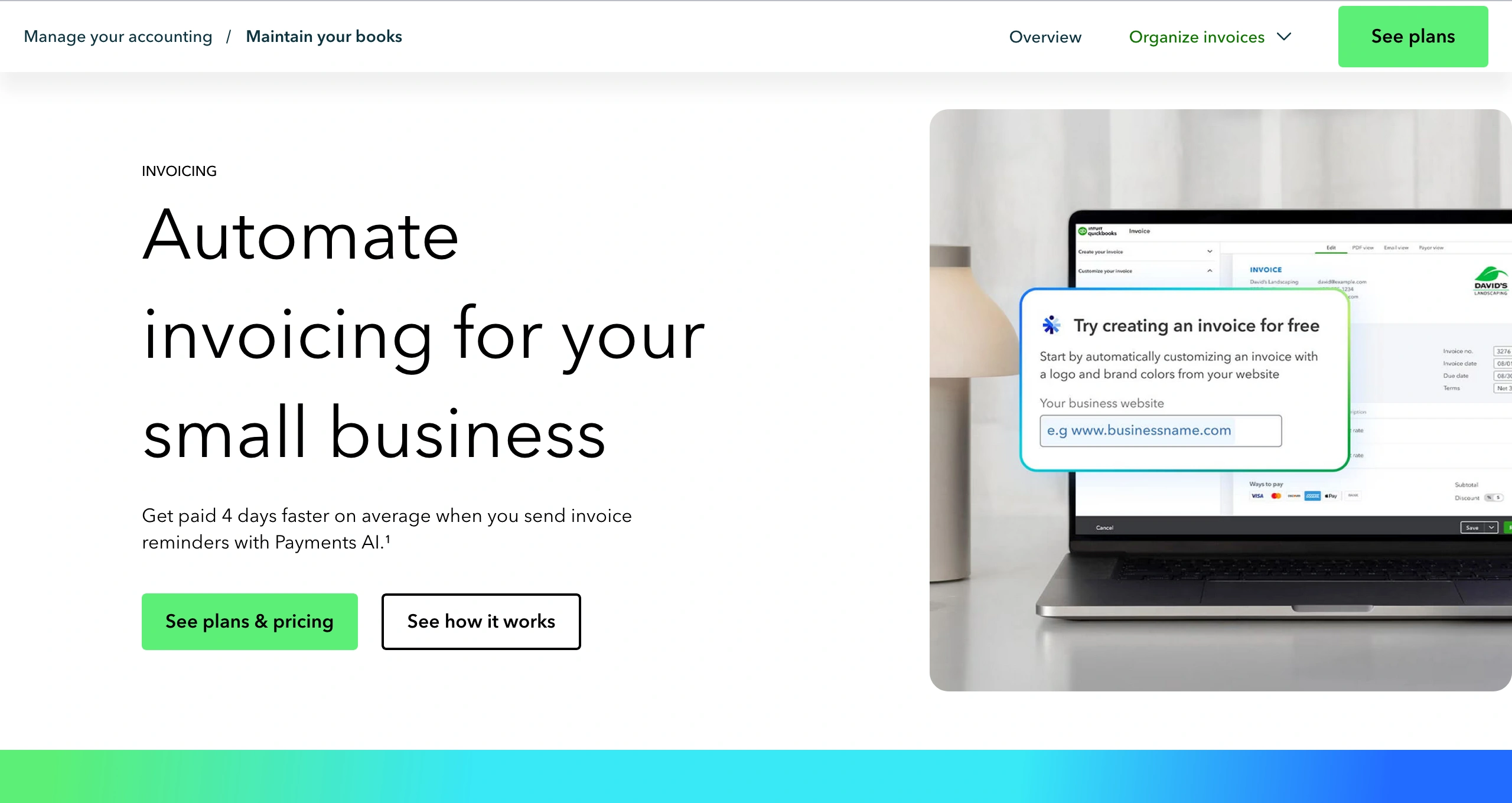
QuickBooks is best for consultants who want a broader small-business finance system, not just a smoother way to send invoices. It covers the heavier money admin: invoicing, expenses, payments, tax categories, bank reconciliation, reports, and accountant access. When I tested it, it felt less like a consultant billing tool and more like a proper finance machine. Useful, but not exactly warm and cuddly.
For example, if you have several clients, recurring invoices, mixed expenses, payments coming in different ways, and tax records that need to stay clean, QuickBooks makes sense. Compared with FreshBooks, it feels less focused on the client-billing experience. Compared with Xero, it feels like a broader small-business accounting setup. Choose QuickBooks when the business needs a stronger financial structure.
Communication and Collaboration Tools
I’m not going to overbuild this section, since most consultants already use basic communication and collaboration tools. Here are a few examples from what I’ve seen other consultants use in practice.
Zoom handles calls and workshops. Slack works only if the client actually uses it. Google Workspace covers files, docs, calendars, and shared work. Mailchimp can keep you visible with past clients. Evernote still works for notes, research, and loose thinking.
Fine. Normal. No need to worship any of them.
The warning is to exercise restraint: these tools are useful, but they are not the consulting system. A decision made in Slack still needs to affect the project. A note in Evernote still needs to be converted into a task if someone must act on it. A file in Google Drive still needs to be connected to the work. A Zoom call still needs notes, owners, and next steps.
Otherwise, collaboration becomes a nicer-looking way to lose track of things.
Conclusion
The boring truth is that most consultants do not need a bigger stack. They need a more honest one.
One that tells you when a lead is going cold, when scope is growing teeth, when time is leaking, when the client is blocking progress, and when the invoice is based more on folklore than facts.
That is the job.
Not looking organized. Being harder to fool.
If the software helps with that, it earns its place. If not, it is just another tiny landlord living inside your browser.

Laurențiu Bancu
Author
Laurențiu started his marketing journey over 18 years ago and he's now an independent marketing consultant. He has extensive experience in work and project management, and business strategy. When not working, he’s probably playing board games or binge-watching mini-series.

Alexandra Martin
Editor
Drawing from a background in cognitive linguistics and armed with 10+ years of content writing experience, Alexandra Martin combines her expertise with a newfound interest in productivity and project management. In her spare time, she dabbles in all things creative.


